Table of contents
WhatsApp Black Friday checklist
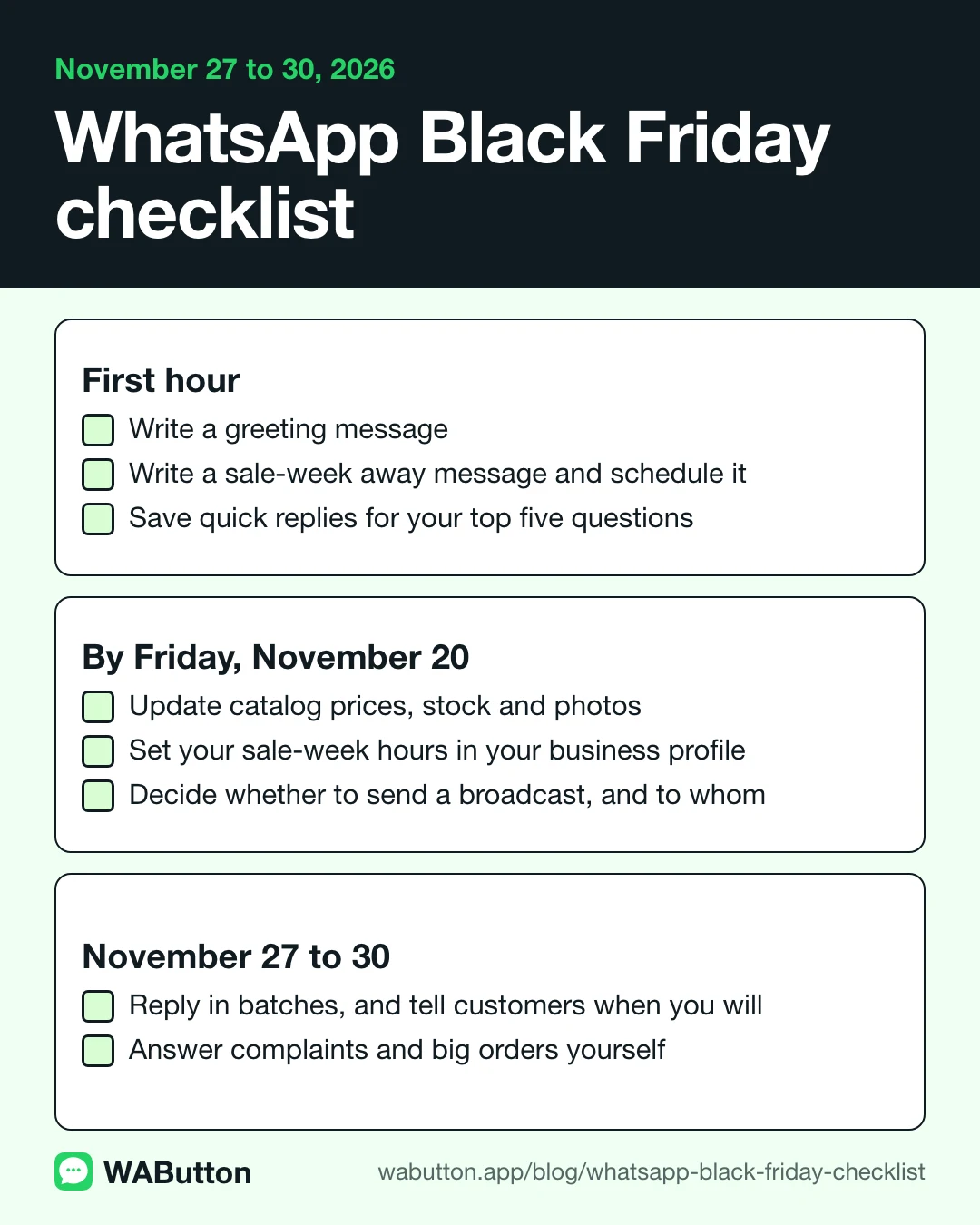
| When | Do this |
|---|---|
| First hour | Write a greeting message |
| First hour | Write a sale-week away message and schedule it |
| First hour | Save quick replies for your top five questions |
| By Friday, November 20 | Update catalog prices, stock and photos |
| By Friday, November 20 | Set your sale-week hours in your business profile |
| By Friday, November 20 | Decide whether to send a broadcast, and to whom |
| November 27 to 30 | Reply in batches, and tell customers when you will |
| November 27 to 30 | Answer complaints and big orders yourself |
Black Friday falls on November 27 this year and Cyber Monday on November 30. The steps come from Meta's two undated guides, the busy-season guide and the seasonal countdown, plus what they leave out: what broadcasts cost, and what the rules allow.
First hour: greeting, away message and quick replies
All three are under Tools in the app.
Greeting message example
Turn on Send greeting message. It goes out automatically when a customer messages you for the first time, and again after 14 days without activity in that chat. Say what to expect and link something useful.
Example: "Hi, thanks for messaging [your shop]. This week we usually reply within a few hours. Our Black Friday items are in the catalog: [link]"
Greeting messages turn off when Meta Business Agent is connected, so check yours before sale week.
Black Friday away message example
Turn on Send away message and pick a schedule: Always send, Custom schedule, or Outside of business hours. The last one only works once your hours are in your business profile, and your phone needs an internet connection for the message to go out. Check both if your away message is not showing.
Example: "Thanks for your message. We reply until 8 pm during Black Friday week, and first thing the next morning."
WhatsApp away message generator
Ten ready messages, with your real opening hours filled in.
Quick replies for your top five questions
Write down your five most-asked questions and save a quick reply for each. To use one, type "/" in a chat. Include specifics, as Meta's seasonal countdown does: "orders placed by XX date arrive before XX date".
| Customer asks | Example quick reply |
|---|---|
| Is this in stock? | "It is in stock today. Tell me your size and I will check it for you." |
| What is the sale price? | "The Black Friday price is [price], from November 27 to November 30." |
| When will it arrive? | "Orders placed by [date] arrive before [date]." |
| Can I return it? | "You can return unused items within [number] days. Keep your receipt." |
| When are you open? | "This week we are open [hours]. We reply to messages until [time]." |
To make a date or price bold, preview it in our message formatter.
By November 20: update your catalog and hours
Update both a week early, so by Friday, November 20. Meta's countdown asks four things of the catalog:
- Group sale items the way people shop, such as "Gifts under $25".
- Confirm prices, including sale prices. Adding prices is only available in certain countries.
- Keep availability accurate, so customers see what can still ship.
- Use clear photos and say what is in the product. A name like "Bundle #3" tells a new customer little.
Our catalog image sizer prepares photos for upload. Then put your sale-week hours in your business profile, to match your away message.
Show your hours next to your WhatsApp button.
Visitors see when you reply before they tap. You keep answering in the WhatsApp app you already use.
Does WhatsApp charge for Black Friday broadcasts?
Yes, where business broadcasts are available. WhatsApp's help pages said this on November 8, 2026:
- "You can send Business broadcasts for a fee." You pay for each message delivered within five days of sending, priced by each recipient's country code. The app shows the total before you check out.
- Business broadcasts are "currently available in limited countries". Open Tools, then Business broadcasts, to see what your account offers.
- Meta reviews each broadcast, and processing "could be as long as 3 hours", so schedule yours early.
- Subscribers to Meta One or Meta Verified get free messages, and the page does not say how many. If you never sent a business broadcast, your trial ended on April 30, 2026, and its unused credits expired.
- Prepaid message packs use one credit for each recipient who receives your message. Credits do not expire. Packs cannot be refunded, subject to applicable law, and are only on iOS for now.
Prices vary by country, so go by the total your app shows.
Who can you send a Black Friday broadcast to?
Business broadcasts can reach people who have not saved your number, unlike the older broadcast lists. That is not permission. The WhatsApp Business app terms, effective September 23, 2026, set two limits. Section 4 says you must secure permissions, "for example, opt-in", and honor requests to stop. Section 6 bans spam and unsolicited messages, and lets WhatsApp "limit, throttle, suspend, or terminate" an account that breaks the terms.
WhatsApp calls that date a split of its terms by product, not a change to the app. Separately, TechCrunch reported in October 2025 that WhatsApp was testing a monthly limit on messages to people who have not replied, without saying what the limit was.
Send to people who asked to hear from you. Meta's countdown says to lead "with something useful rather than promotional" and "keep it to a few well-timed sends", such as a reminder of your last shipping date.
Example: "You asked to hear about our Black Friday sale. It runs November 27 to 30, and orders placed by [date] arrive before [date]. Reply stop and we will not message you again."
During the sale: batch replies, and when to answer personally
Meta's guide suggests three check-ins a day instead of watching notifications: overnight messages and anything urgent in the morning, new inquiries at midday, open conversations at the end of the day. Tell customers that replies may take longer, and sort chats into lists or labels, such as new customers, pending orders and follow-ups. Keep sensitive complaints, frustrated customers and big orders for yourself.
Should you use a WhatsApp bulk sender?
Not one that automates the app. Section 5 of the app terms says you must not "develop or use any applications that interact with our Business App Services without our prior written consent". If WhatsApp closes an account for breaking the terms, you may not create another without its written permission. Sale week is a bad week to lose the number your customers know.
Show your hours on your website too
A visitor on your website sees none of the above until they open a chat, so put the same hours on the site. Business hours in WAButton let you set opening hours and holiday closures on a website button, and show an away message with your next opening time when you are closed. They are included on the Free plan. For shops, see our ecommerce page and the Shopify button guide.
We read every page linked here on November 8, 2026. Meta's two guides carry no date. We had no test phone, so no step was tried on a device.
Frequently asked questions
When should I set up WhatsApp for Black Friday?
Start now with the greeting, away message and quick replies. Update your catalog and hours by Friday, November 20.
Can I send a Black Friday broadcast to everyone?
No. The app terms require permission, such as opt-in, and you must honor requests to stop. You also pay for each delivered message.
What should my away message say in a sale week?
Say until when you reply, and when you will answer. Add your catalog link or your last shipping date.
How often should I reply during a busy week?
Meta's guide suggests three check-ins a day: morning, midday and end of day. Answer complaints and big orders yourself.
Sources
- WhatsApp Business: Preparing your small business for the busiest messaging season (undated)
- WhatsApp Business: The seasonal sales countdown (undated)
- WhatsApp Business: Business app features
- WhatsApp Help Center: About pricing for business broadcasts
- WhatsApp Help Center: About business broadcasts
- WhatsApp Help Center: How to create and send a business broadcast
- WhatsApp Help Center: About message packs for business broadcasts
- WhatsApp Help Center: How to use broadcast lists on the WhatsApp Business app
- WhatsApp Help Center: How to use away messages
- WhatsApp Help Center: How to use greeting messages
- WhatsApp Help Center: How to use quick replies
- WhatsApp Help Center: How to use labels
- WhatsApp Help Center: About catalog
- WhatsApp Terms for WhatsApp Business App, effective September 23, 2026
- WhatsApp Help Center: We're updating the Terms of Service for the WhatsApp Business App
- TechCrunch: WhatsApp will curb the number of messages people and businesses can send without a response (October 17, 2025)
Show your hours next to your WhatsApp button.
Visitors see when you reply before they tap. You keep answering in the WhatsApp app you already use.
WAButton is a website button. We do not sell WhatsApp API access or a shared inbox, so nothing here depends on you buying them.
Written by WAButton Team